
Be a savvy fish, don't be phished.

Savvy Fish spots phishing sites before you hand over your credentials. Right in your browser, 100% local.

What is phishing?

Phishing means imitating a legitimate site — your bank, your mailbox, a delivery service — to steal your credentials, passwords or card details.

For example: an email saying “Your account will be suspended” urges you to click. The page looks exactly like the real one… and so does the address, deceptively so:

You type your password: it goes straight to the attacker. Savvy Fish intercepts these traps before the page loads.

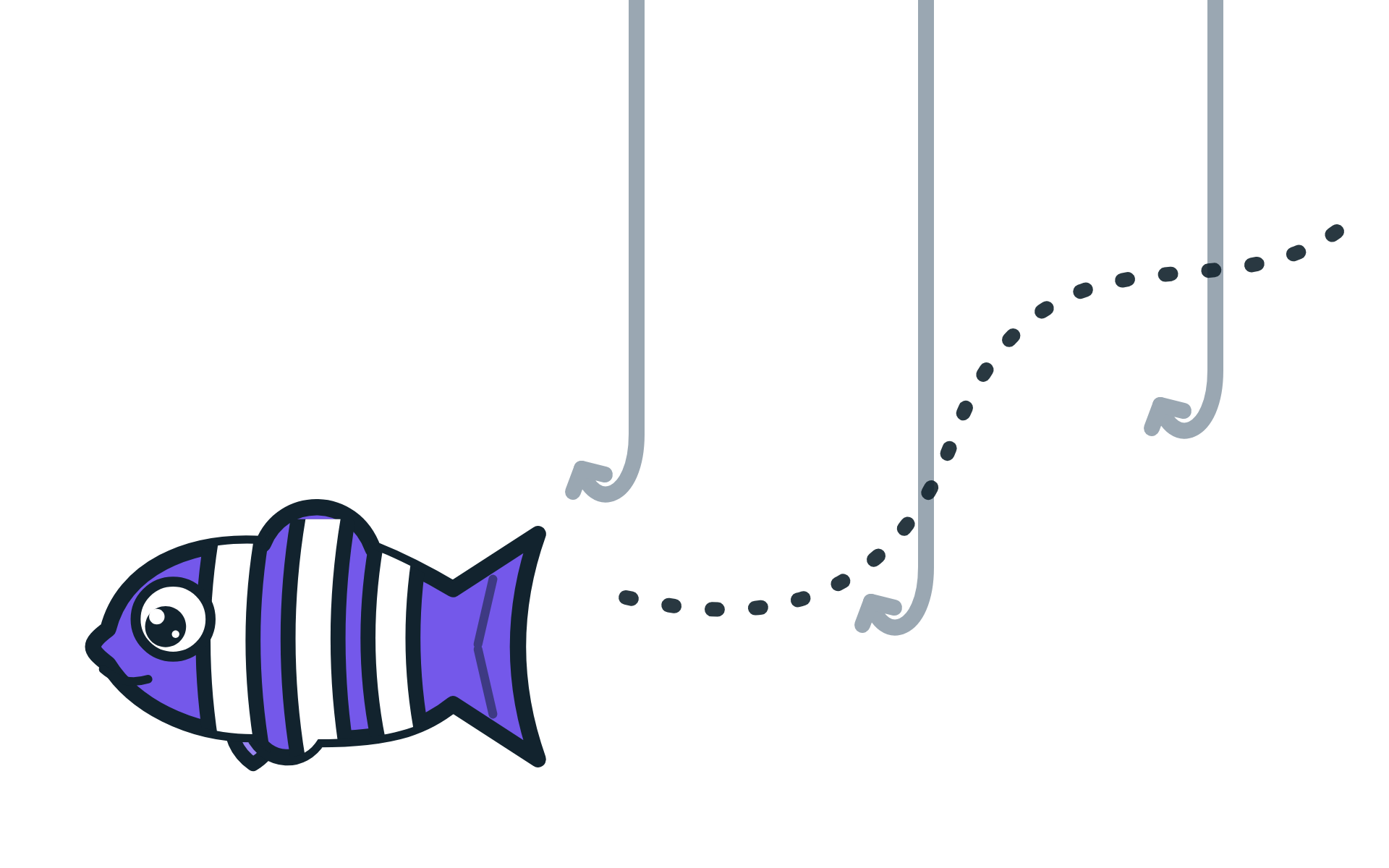
The Savvy Fish mascot swims past three fishing hooks

Three engines, one mission

Look-alike detection

Catches domains that imitate the real ones: rncrosoft.com (an “rn” disguised as an “m”), pаypаl.com (Cyrillic “а” characters)… Deterministic analysis of typos, homoglyphs and brand impersonation.

Machine learning

A model trained on a very large dataset of real malicious URLs scores every address you visit and recognizes the “shape” of a phishing attempt — even a brand-new one.

Blocklist

Already-confirmed phishing sites are blocked immediately thanks to a regularly updated blocklist, etc.

Privacy first: 100% LOCAL.

Your browsing never leaves your device. All three engines run inside the browser: no account, no analysis server, no telemetry. A security tool has no business becoming a spy itself. The code is open source: you can verify it yourself.

  • 0 external requests
  • 0 account required
  • 0 data collected

Phishing is the 2nd most costly attack vector, behind attacks using compromised credentials.

IBM — Cost of a Data Breach Report 2024

Download Savvy Fish

Free, open source and lightweight. Add it to your browser in one click.

Available now on the Chrome Web Store and Firefox Add-ons.

Frequently asked questions

Is my browsing data sent anywhere?

No. All the analysis runs inside your browser: the addresses you visit never leave your device. Savvy Fish requires no account, no sign-up, and collects no usage statistics.

What happens when a site looks suspicious?

Depending on the severity, Savvy Fish shows a warning banner on the page or blocks the navigation with an explanation page detailing what raised suspicion. You always stay in control: continue, go back, or trust the site.

What if a legitimate site is flagged by mistake?

No detector is perfect. You can add a site to your trusted list in one click: it will no longer be flagged. That list, too, is stored only on your device.

Does Savvy Fish slow my browsing down?

No. Analyzing an address takes a few milliseconds, and the popular sites you visit go through a fast path. It is imperceptible.

Which browsers does the extension support?

Chrome and Firefox. On Firefox the protection is even stronger: the site's certificate is checked locally on top of the other engines.

How much does it cost?

Nothing. Savvy Fish is free.

Contact

A question, a misclassified site, an idea for improvement? Write to us — a human will reply.

notphished@protonmail.com